


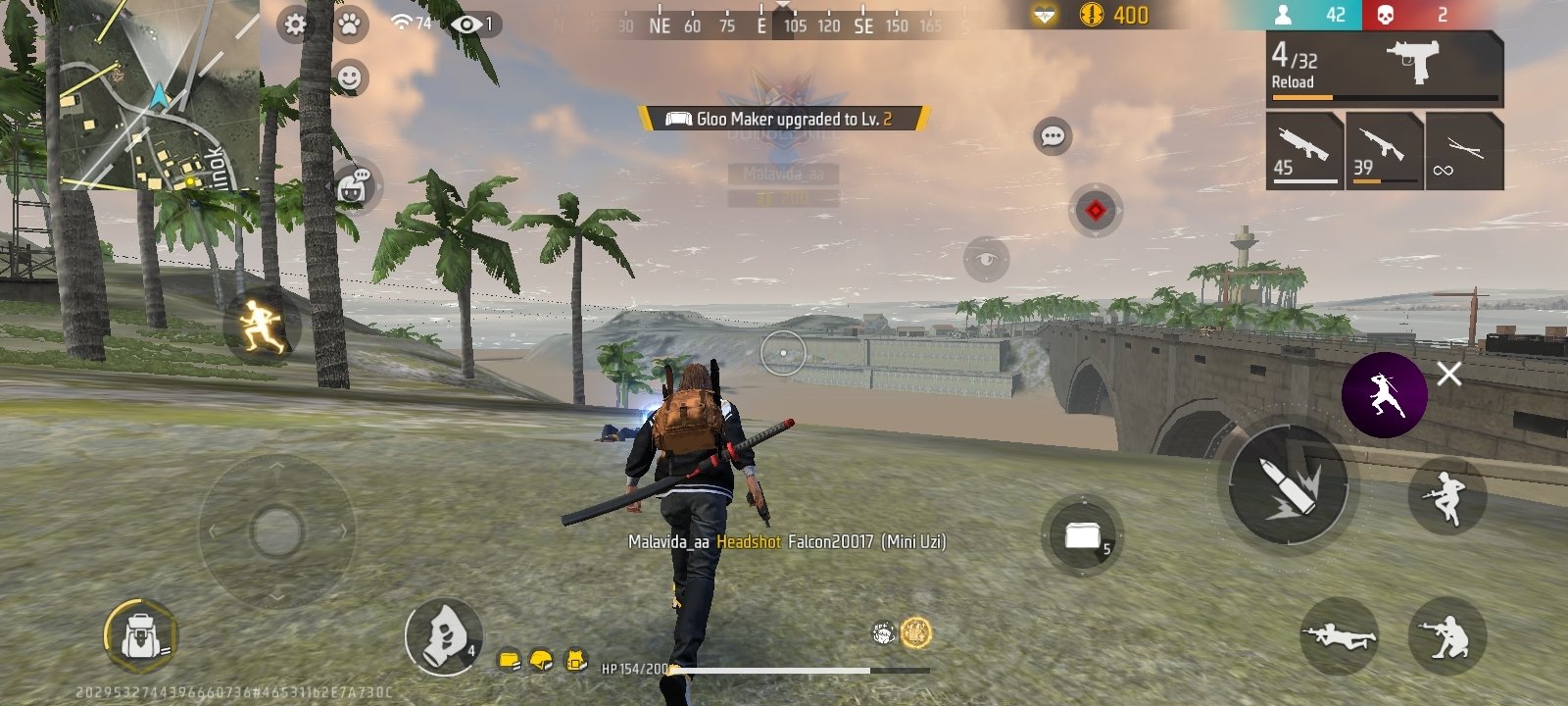
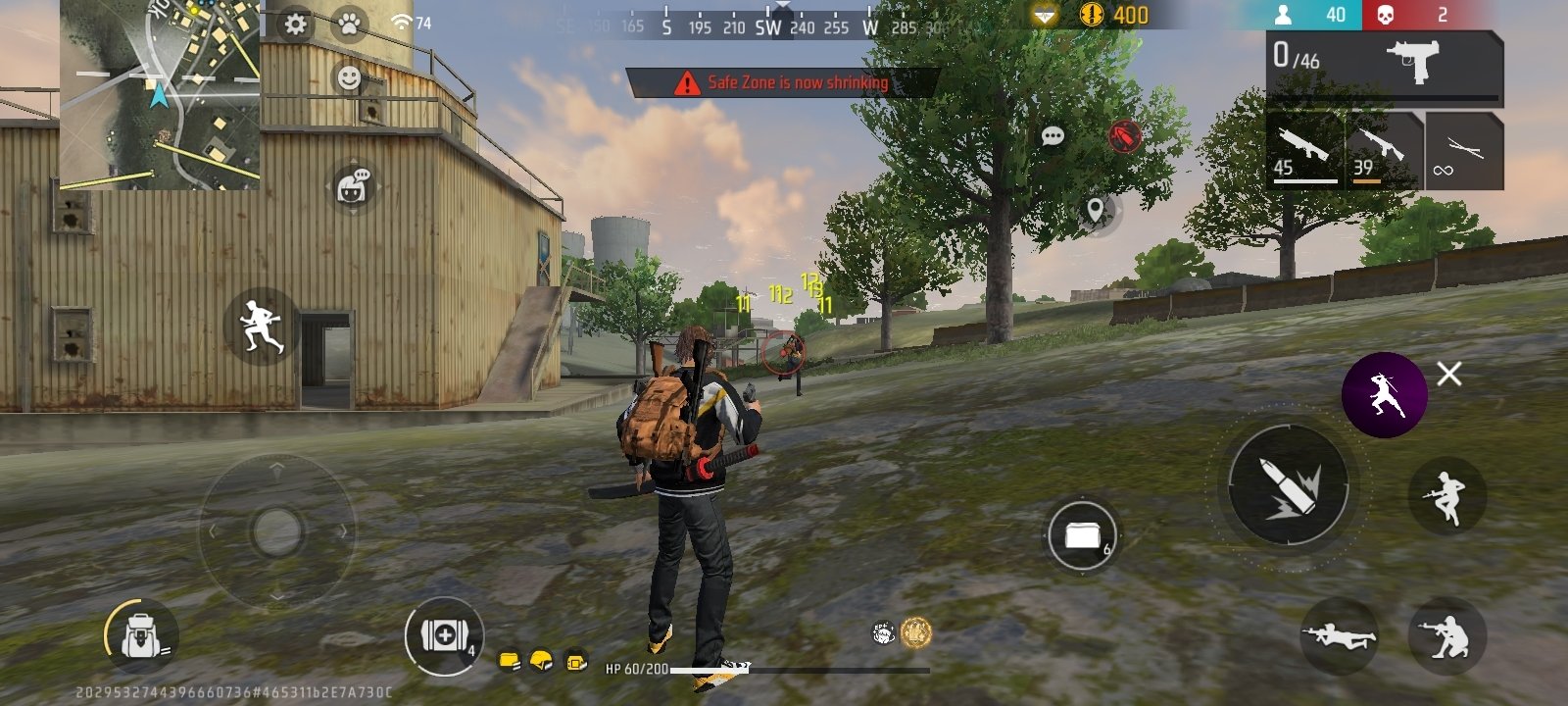
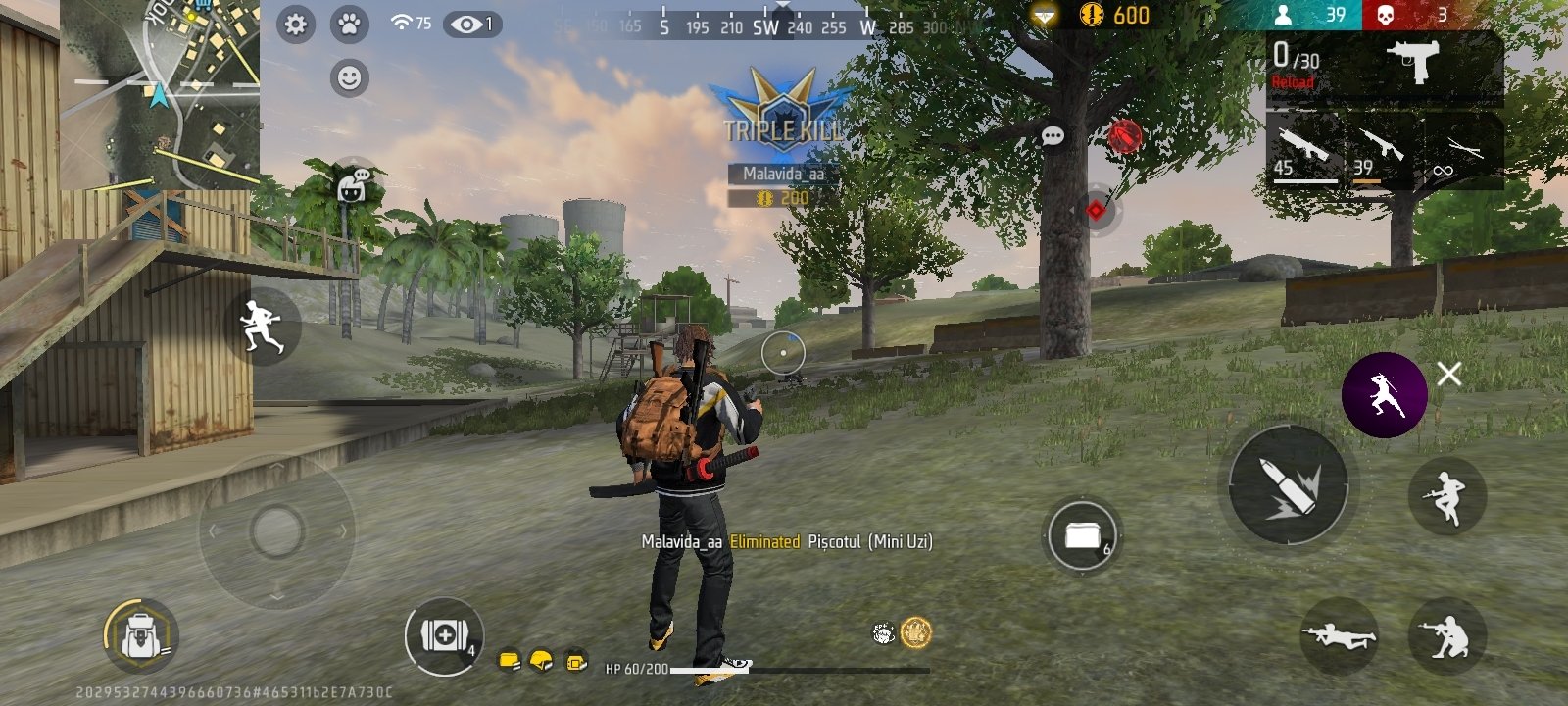
MOD with cheats and skins for Garena Free Fire
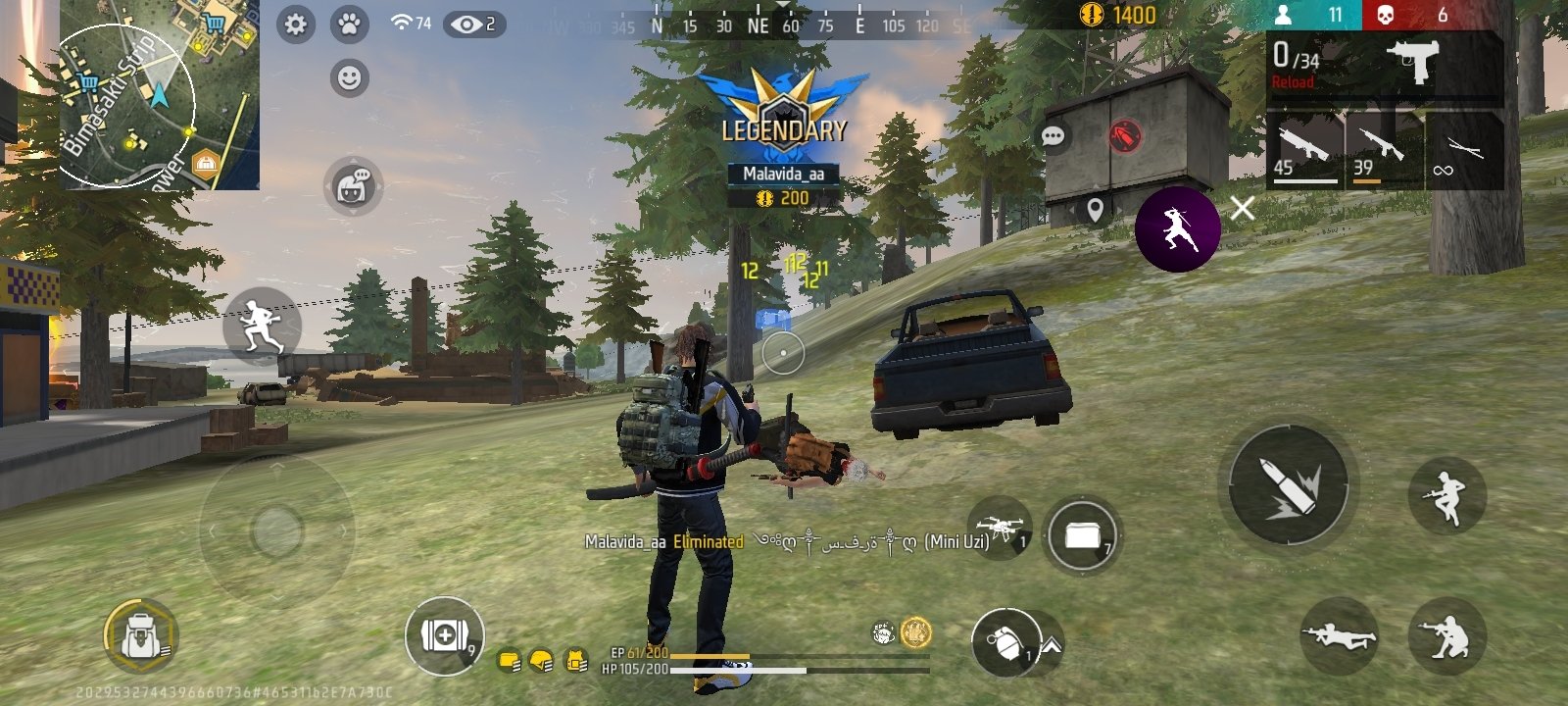
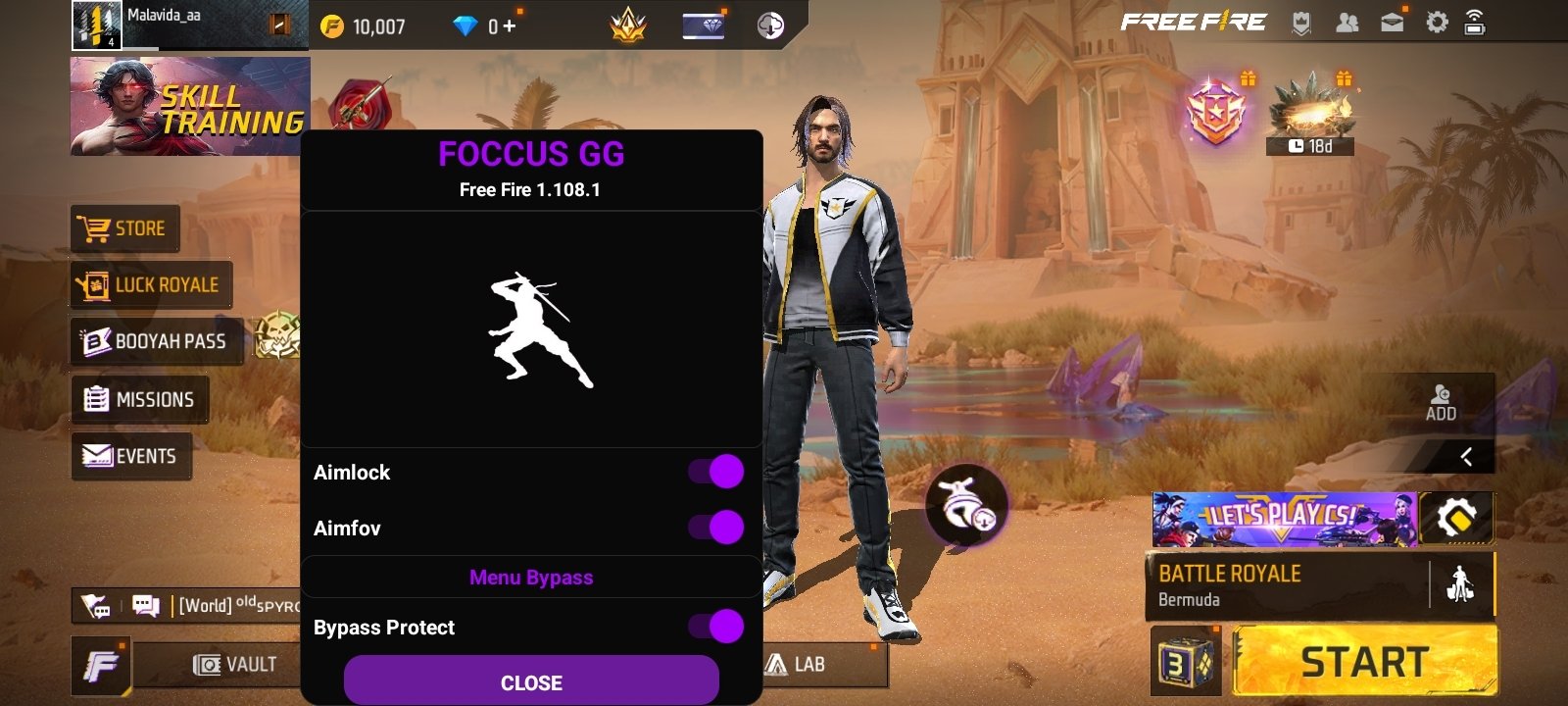
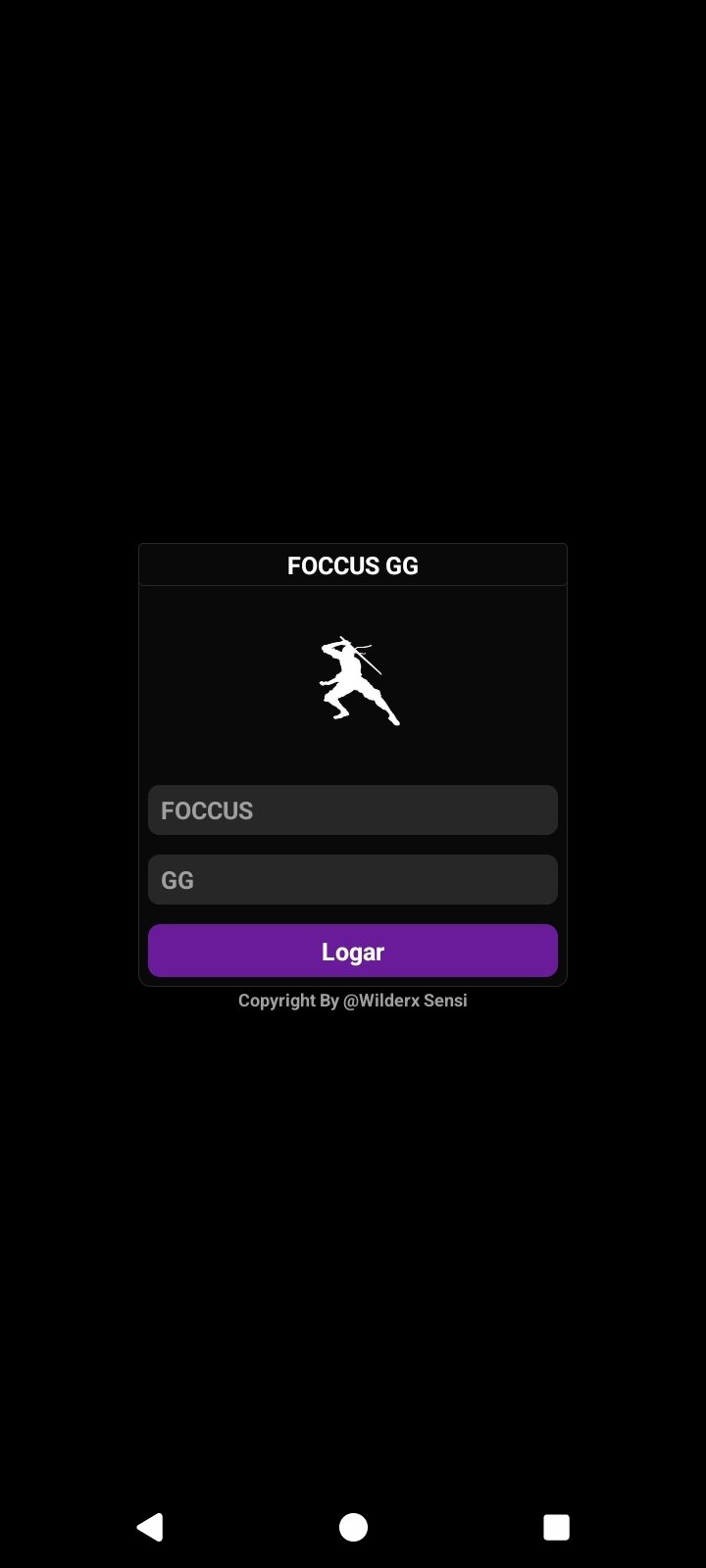
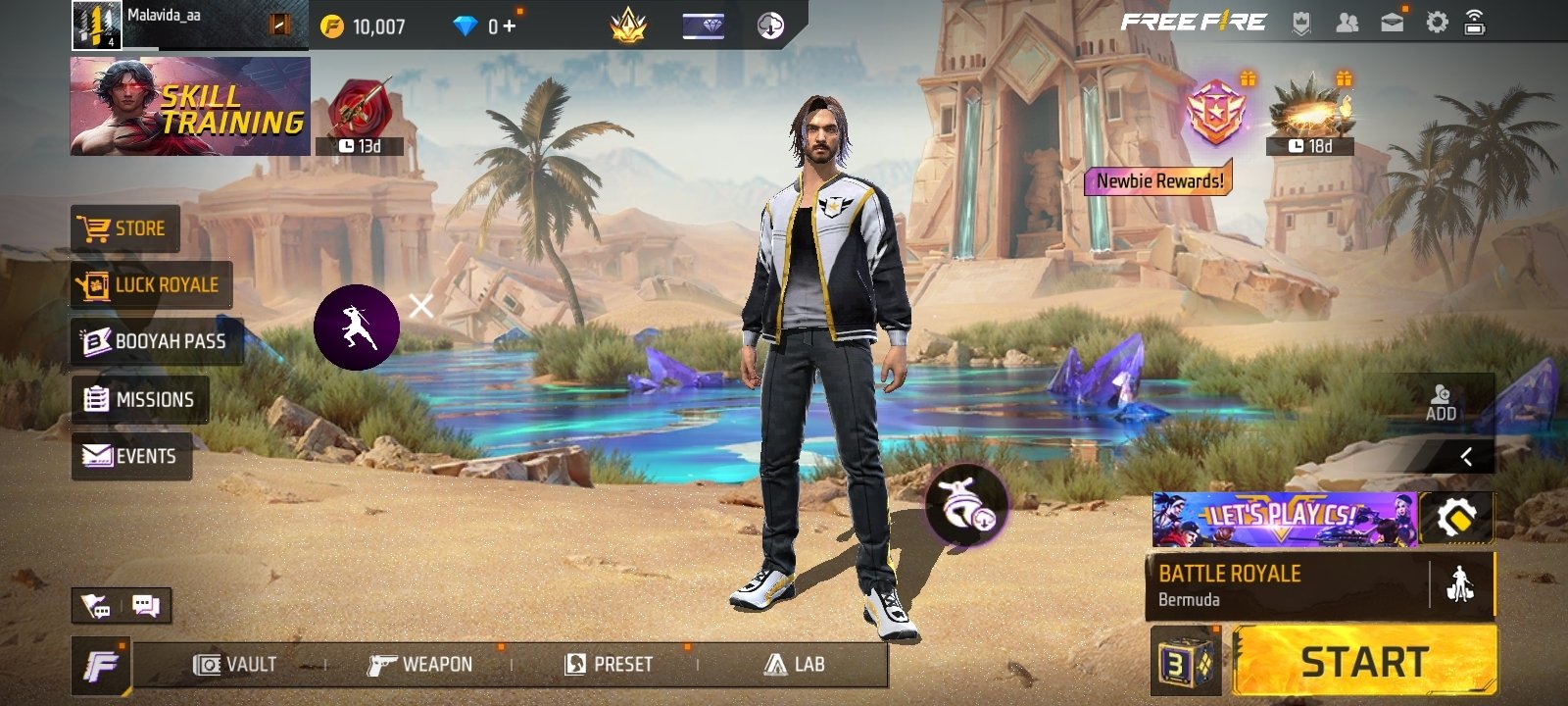
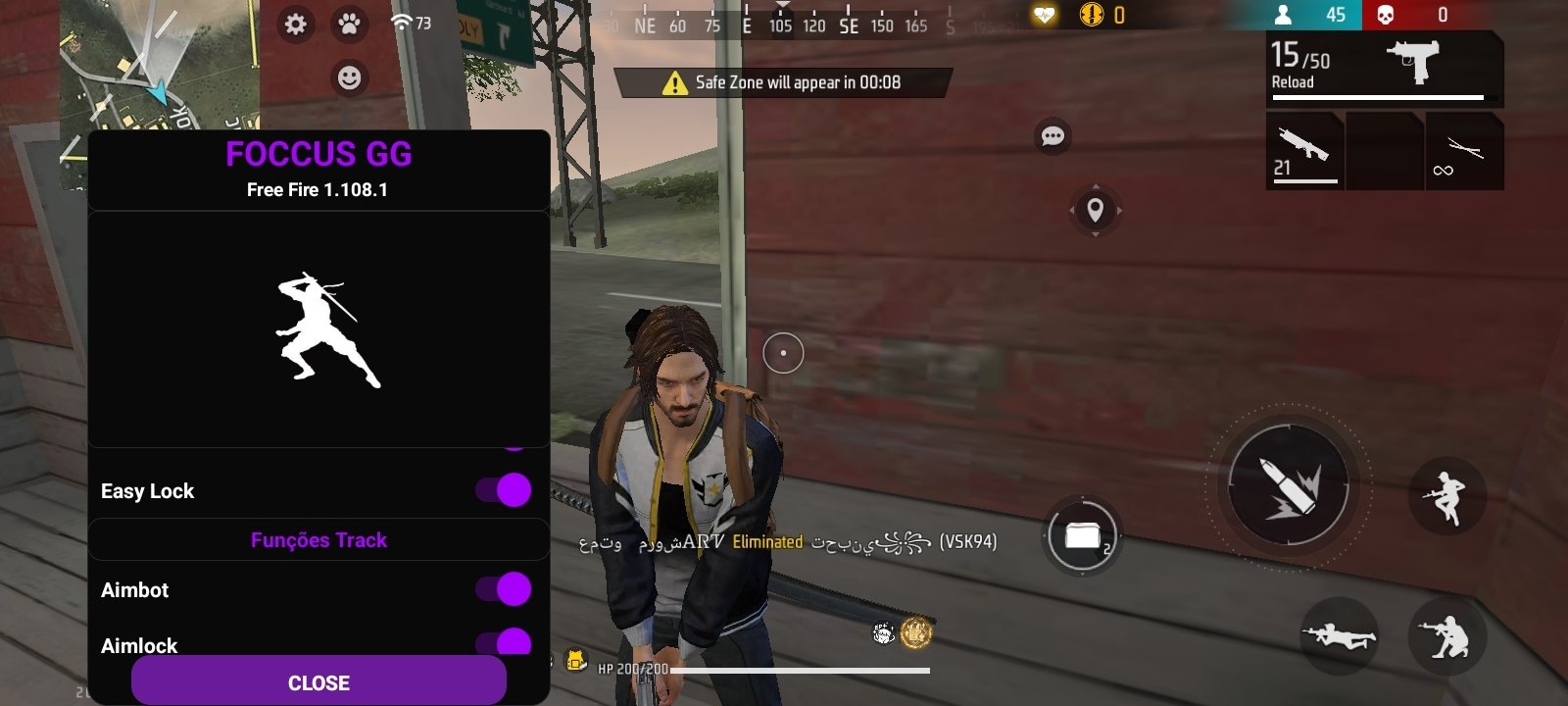
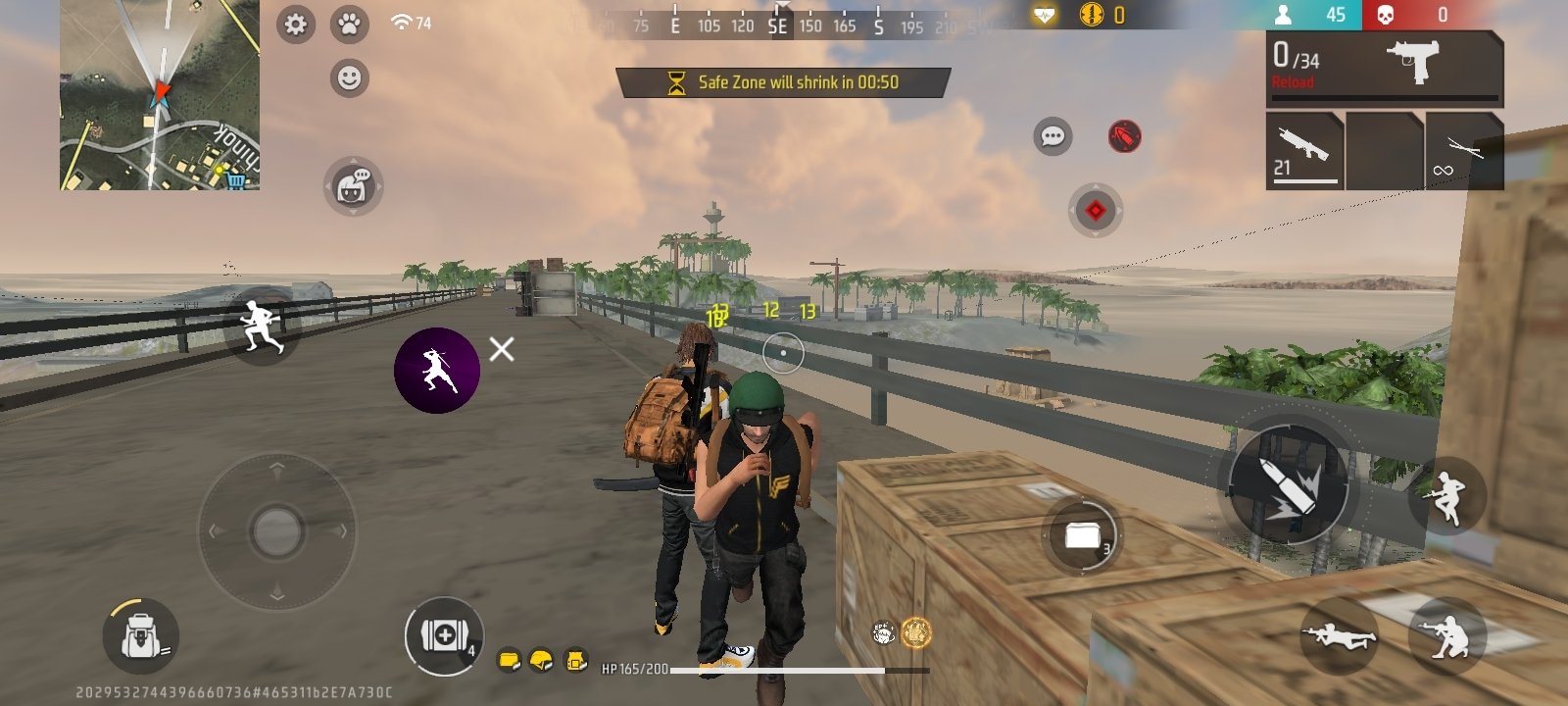
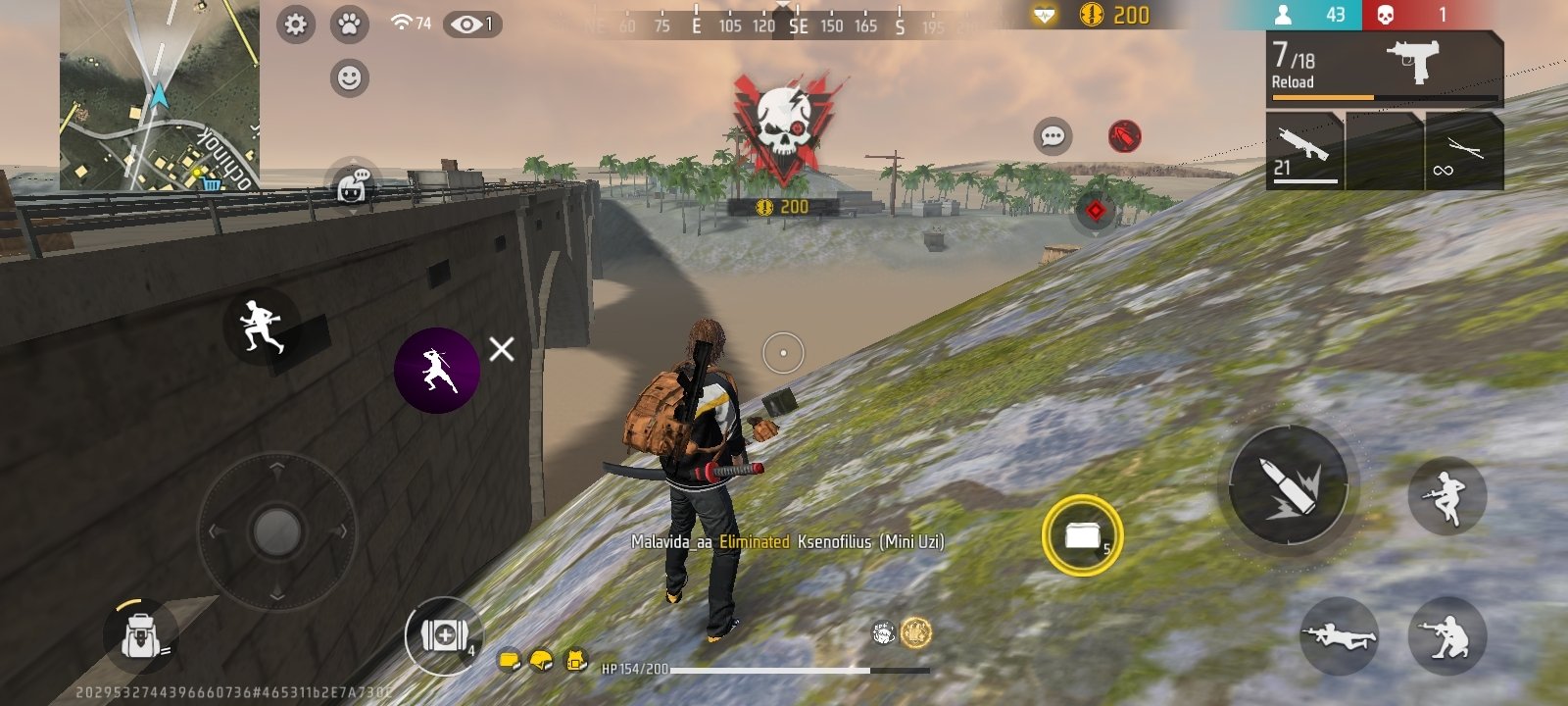
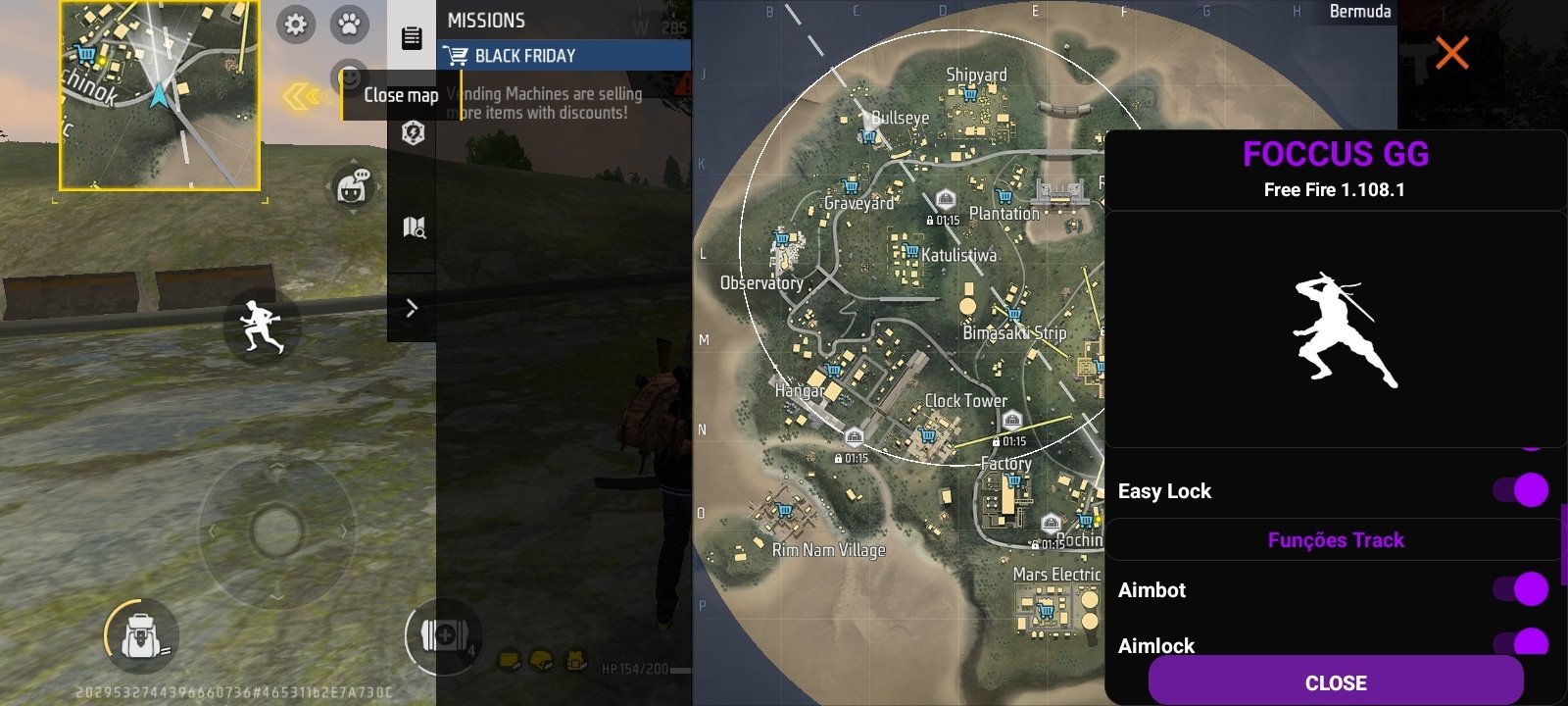
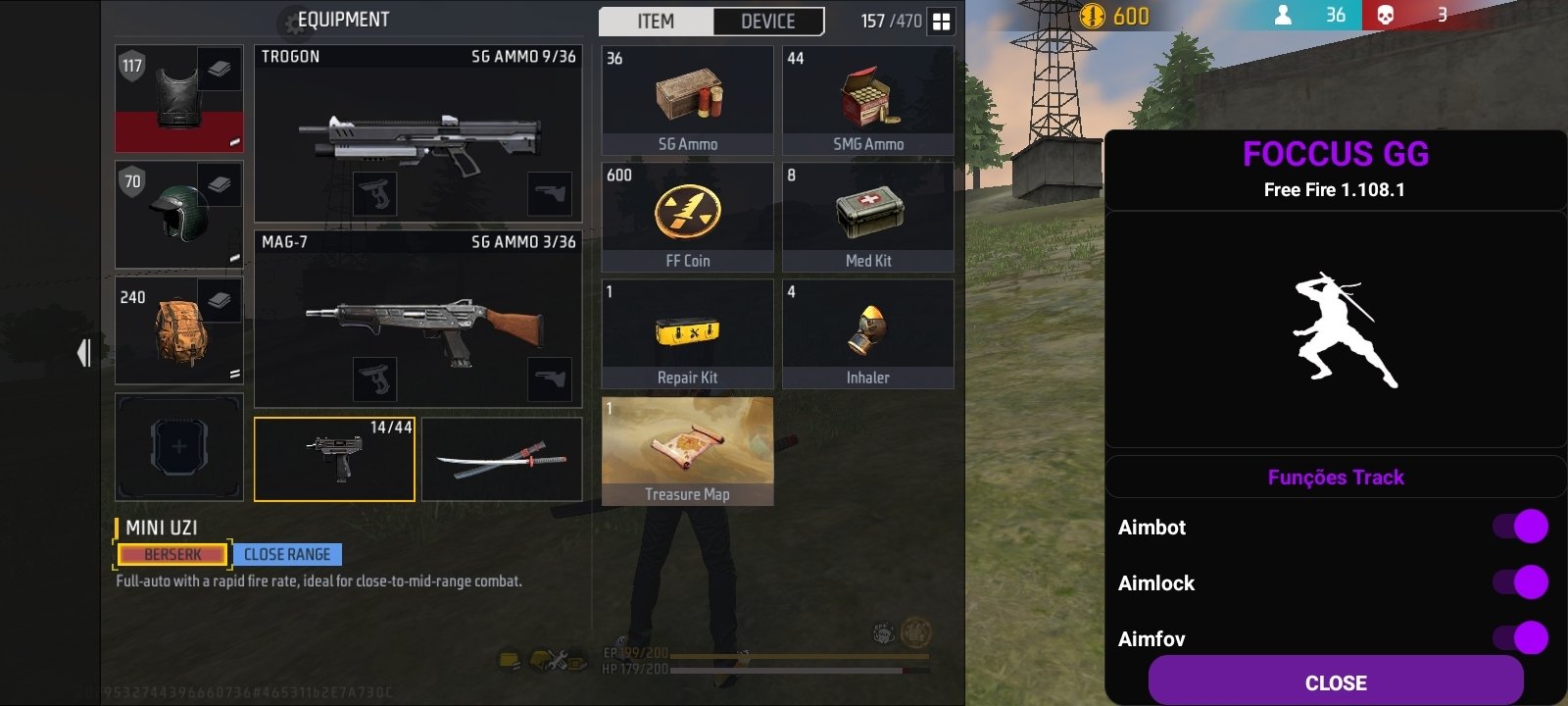
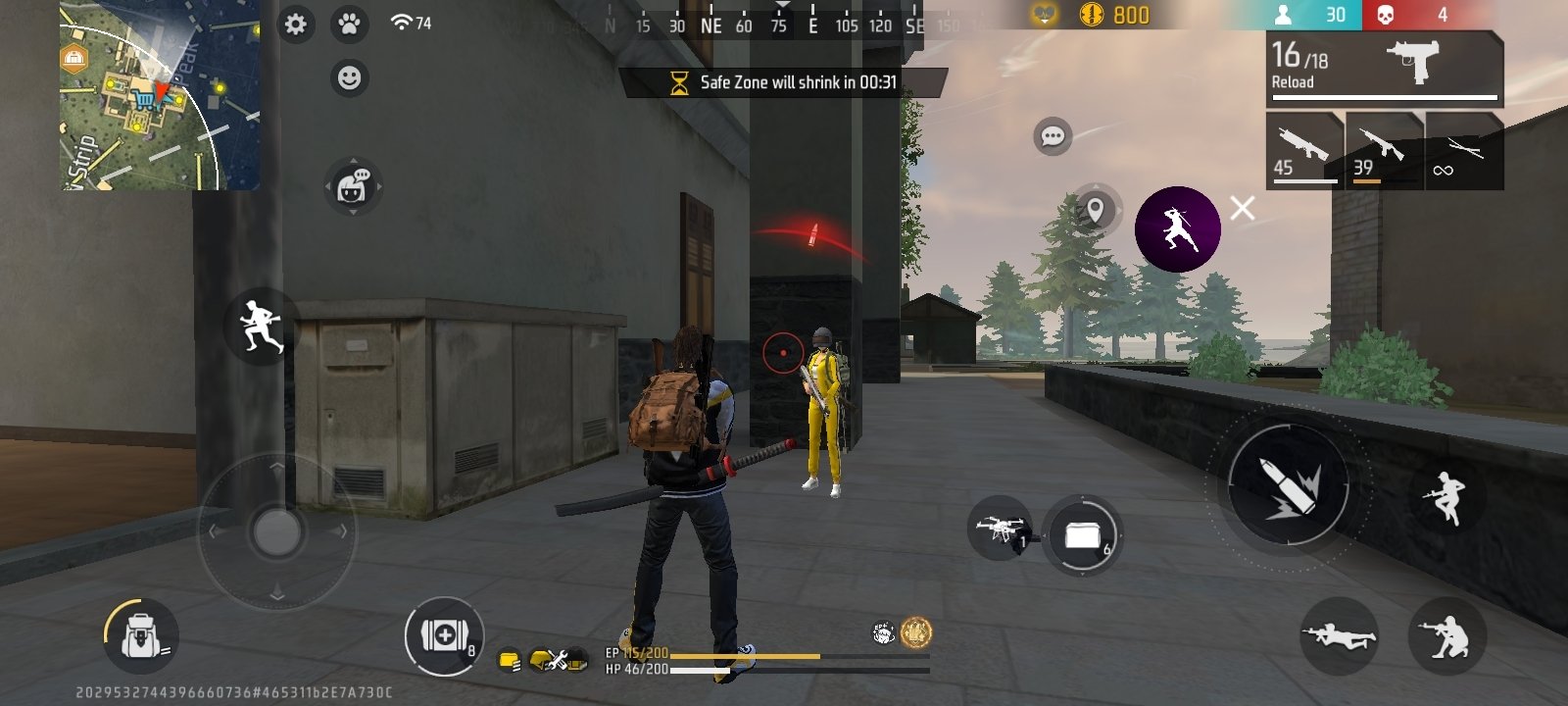
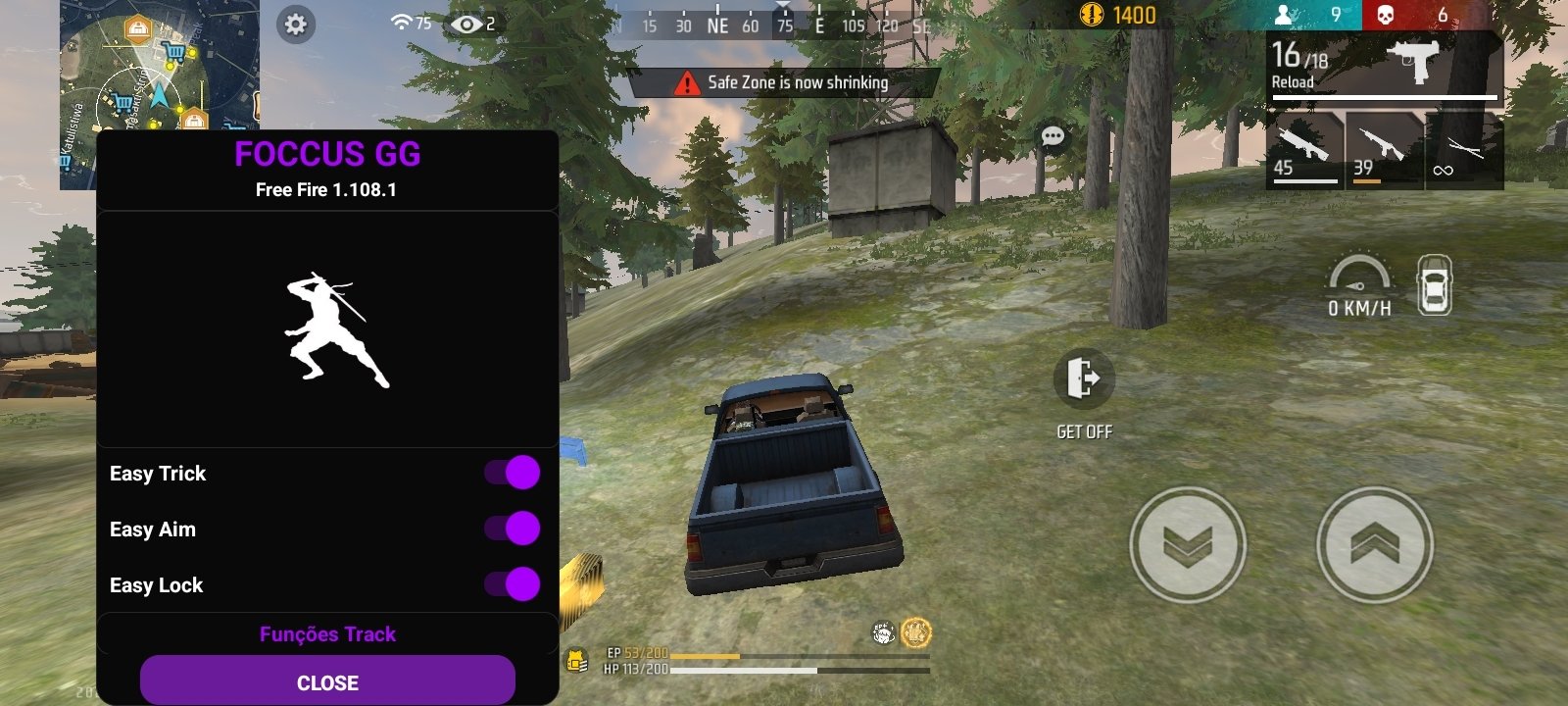
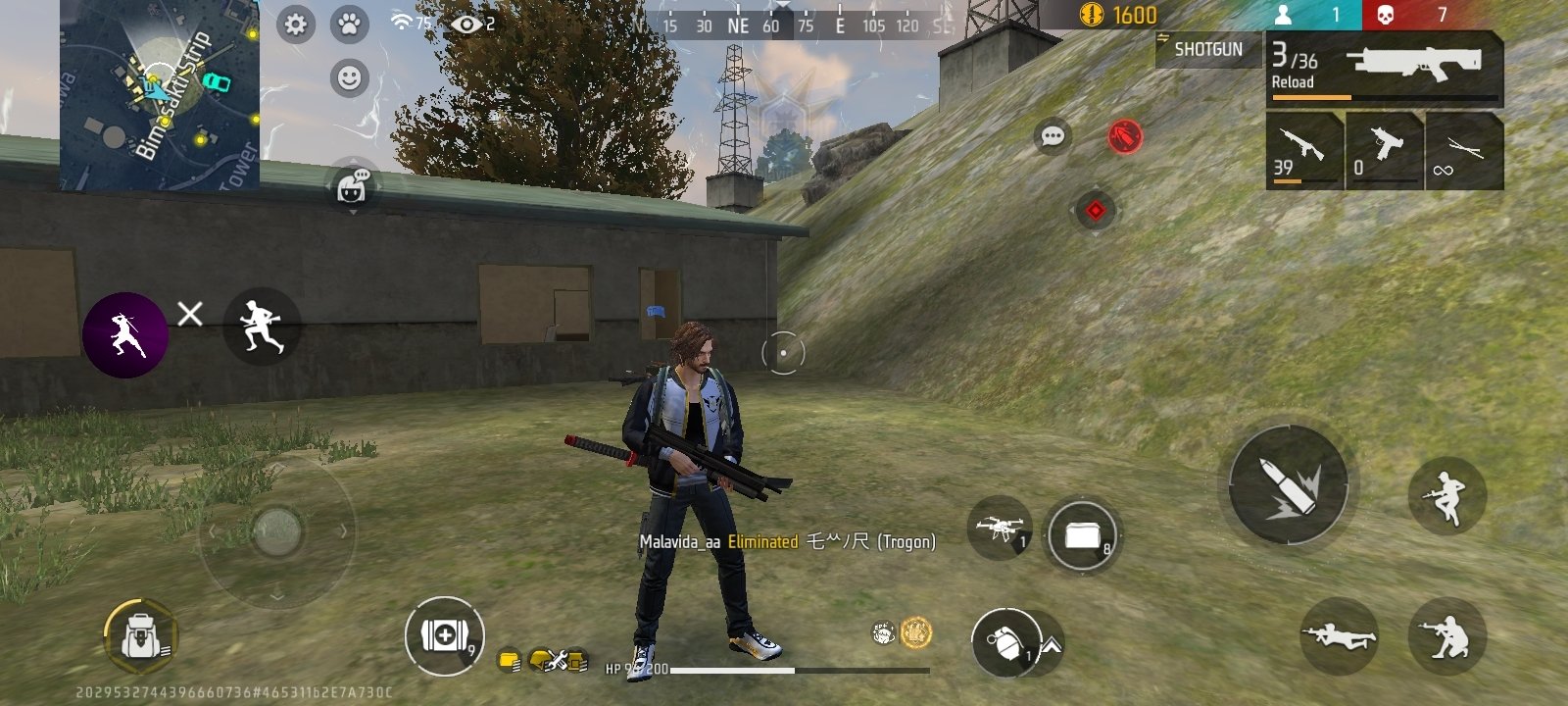
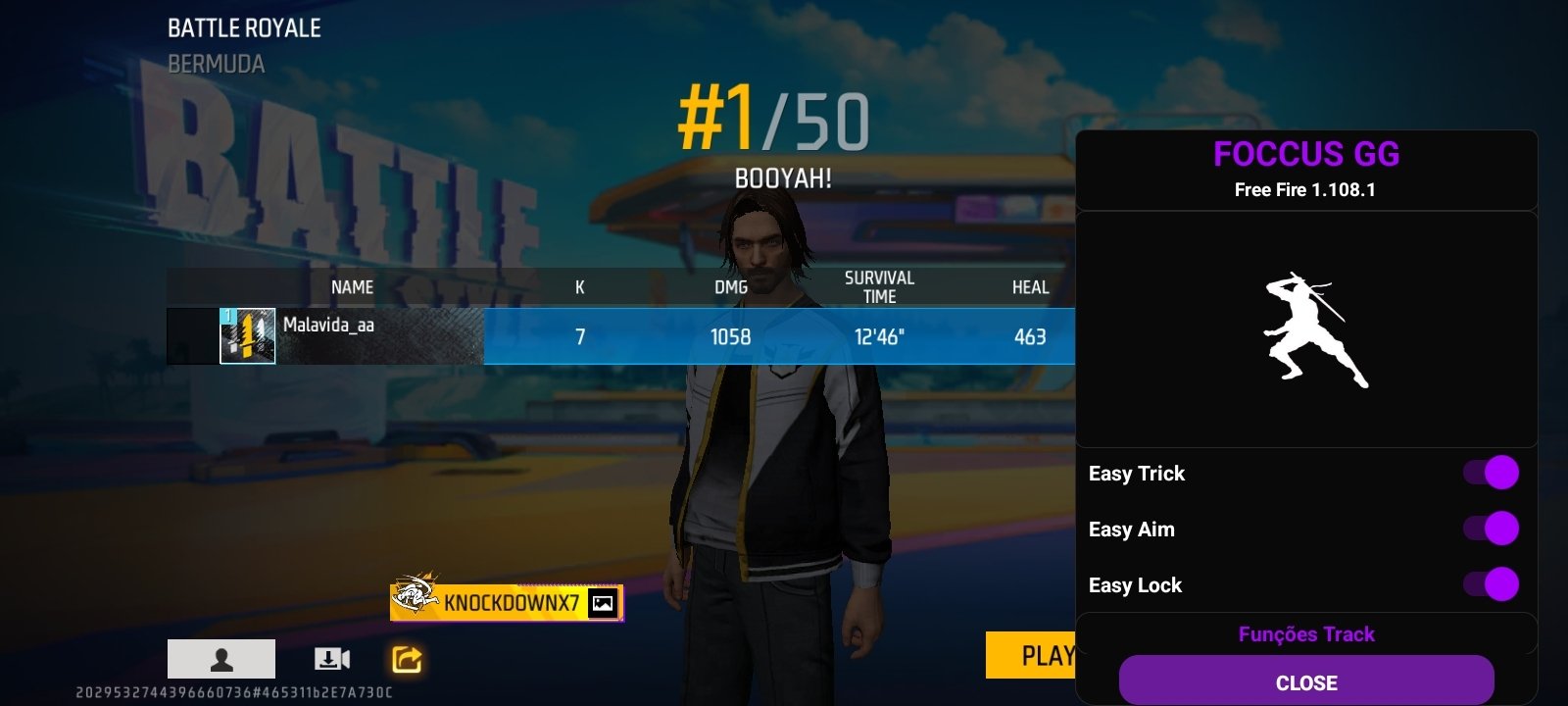
Foccus GG APK, also known as Garena Foccus and even Focus GG, is an Android app that offers MOD panel for Free Fire. This tool integrates different functions to modify or improve certain aspects of gameplay, from automatic aiming assistance to graphic or network adjustments. The player can enable or disable the options at any time from a floating menu.
A MOD panel to boost your FF matches
The purpose when you download Foccus GG Android for free is to simplify some game mechanics or unlock certain cosmetic items (skins). From the floating menu itself, functions can be activated and deactivated that change the way the player interacts with the environment or with the other rivals.
Download Garena Foccus APK to get free FF cheats and skins.
Among the most notable options are features related to automatic shooting, shooting accuracy, and performance optimization. The panel also incorporates graphics and connection settings to improve stability during online matches, reducing latency issues. However, it is worth noting that it is an application external to the game and its use may violate the terms of service, which entails possible sanctions or account bans.
Main features of Foccus GG
- Integrated mods panel with access to different tools from a floating menu during the game.
- Auto-aim that helps to aim at enemies more quickly.
- Aim lock and shooting assistant.
- Automatic headshot.
- Skin unlocking.
- Paid emotes unlocking.
- Automatic ping reduction to try to improve connection stability.
- Advanced graphics settings.
- Easy activation system with a single tap on the panel.
- Lightweight app that works on most devices.
In short, Foccus GG APK is a tool that modifies the gaming experience in Free Fire through a panel of functions accessible in real time. In any case, it is a third-party application that is not officially linked to the game. Therefore, its use should be done with caution, especially if used with the player's main account.
Requirements and additional information:
- Minimum operating system requirements: Android 5.0
- The installation of the app by means of the APK file requires the activation of the "Unknown sources" option within Settings>Applications.
 Almudena Galán
With a degree in Law and Journalism, I specialized in criminology and cultural journalism. Mobile apps, especially Android apps, are one of my great passions. I have been testing dozens of apps every day for over six years now, discovering all...

Susana Arjona